pgAdmin 4#
pgAdmin 4 is a web-based administration tool for managing PostgreSQL databases.
DUMB includes pgAdmin pre-installed and configured to work out of the box, allowing you to inspect, query, and back up your databases directly from a browser.
Change the bootstrap credentials
The documented defaults are public bootstrap values. Change them before exposing pgAdmin beyond a trusted local network, and prefer keeping pgAdmin disabled when it is not actively needed. pgAdmin can read and modify every registered database in the shared DUMB PostgreSQL cluster.
Configuration Settings in dumb_config.json#
"pgadmin": {
    "enabled": false,
    "process_name": "pgAdmin4",
    "config_dir": "/pgadmin/data",
    "config_file": "/pgadmin/data/config_local.py",
    "log_file": "/pgadmin/data/pgadmin4.log",
    "port": 5050,
    "default_server": "0.0.0.0",
    "setup_email": "DUMB@DUMB.DUMB",
    "setup_password": "postgres",
    "command": ""
},
Configuration Key Descriptions#
enabled: Whether to start the pgAdmin service.process_name: The label used in logs and process tracking.config_dir– Directory where pgAdmin configuration files are stored.config_file– Path to the primary pgAdmin configuration file.port: Port exposed for the pgAdmin.-
default_server: IP address pgAdmin should bind to.0.0.0.0allows access to pgAdmin from all addresses -
setup_email: The email address to be used with pgAdmin. setup_password: The password to be used with pgAdmin.command– The command used to start pgAdmin.
Accessing pgAdmin#
- Navigate to:
http://<host>:<port>- default port
5050
- default port
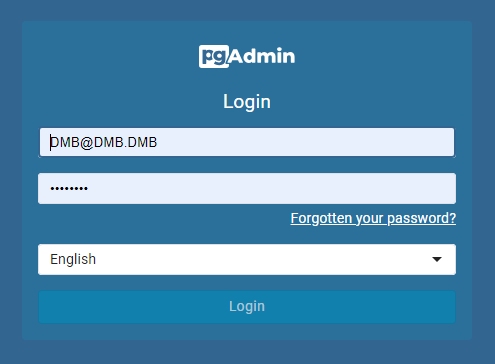
- Login using the credentials set via environment variables:
PGADMIN_SETUP_EMAIL- default:
DUMB@DUMB.DUMB
- default:
PGADMIN_SETUP_PASSWORD- default:
postgres
- default:
The email is used as the username. It does not need to be a real email address.
In the maintained volume layout, /pgadmin/data persists under the mounted
/data/pgadmin subtree. Backing up pgAdmin's own data does not back up the
PostgreSQL databases it administers. Use logical pg_dump backups for those;
the scheduled pgAdmin/pgAgent example
includes all-database discovery, retention, off-system-copy guidance, and a
restore test.
Server Configuration#
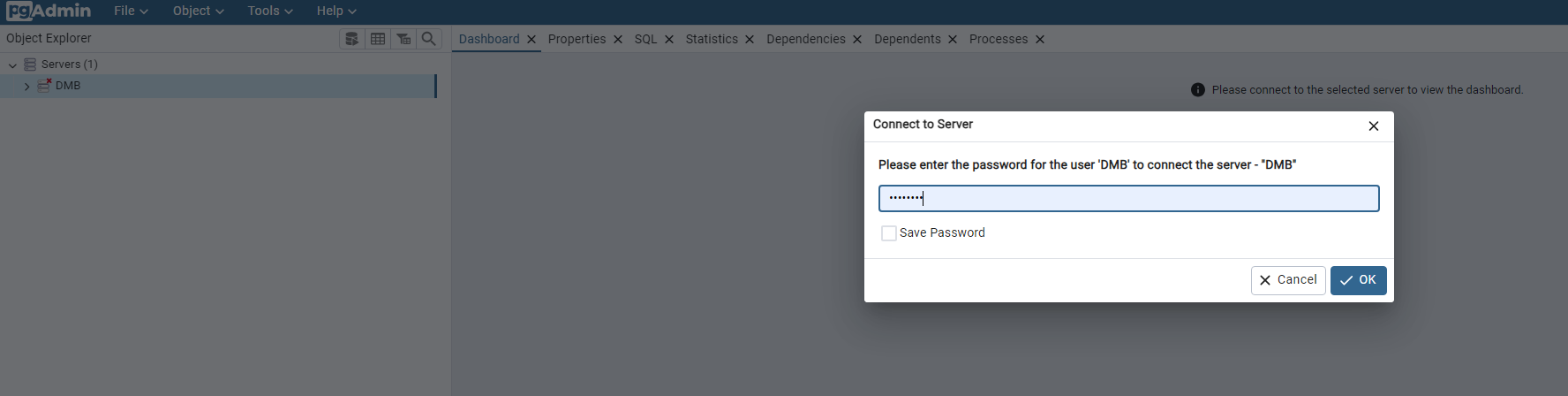
- pgAdmin is preconfigured with a server connection named DUMB.
- On first login, you must enter the password for the PostgreSQL server connection.
- Default password:
postgres - Or, use the value of
POSTGRES_PASSWORDif set in your environment.
- Default password:
Extensions#
The following PostgreSQL extensions are included in the DUMB image:
system_stats#
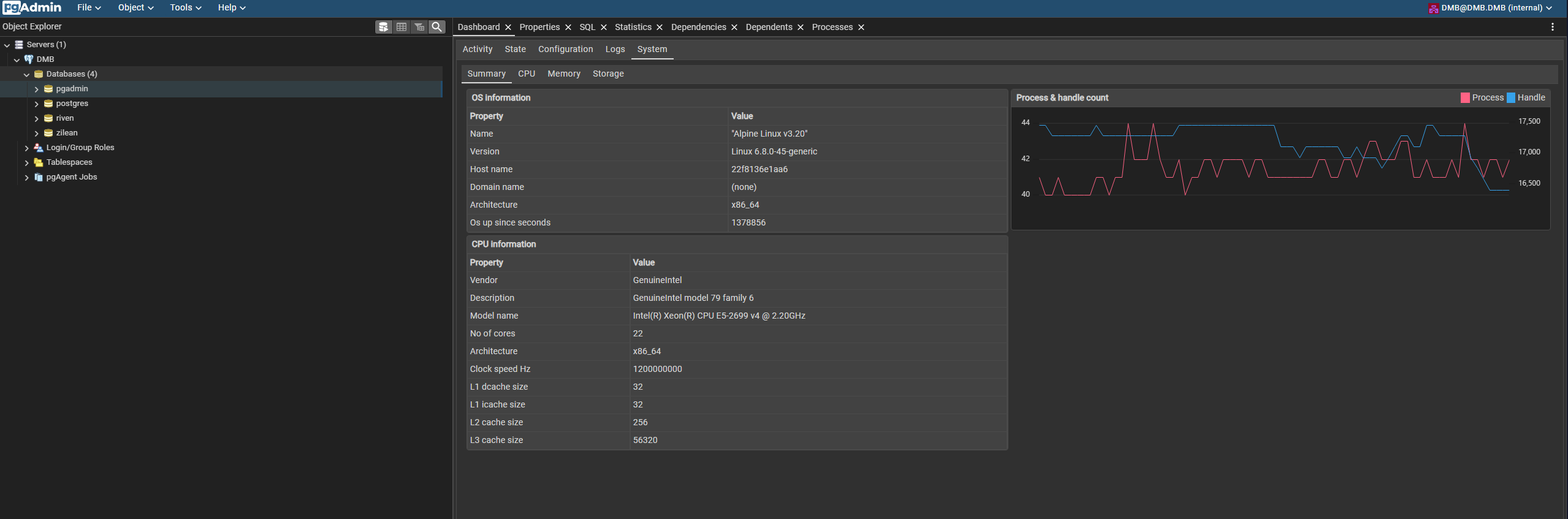
Provides system performance statistics inside PostgreSQL.
- Find it in the pgAdmin dashboard under the connected database (e.g.,
pgadminorriven).
pgAgent#
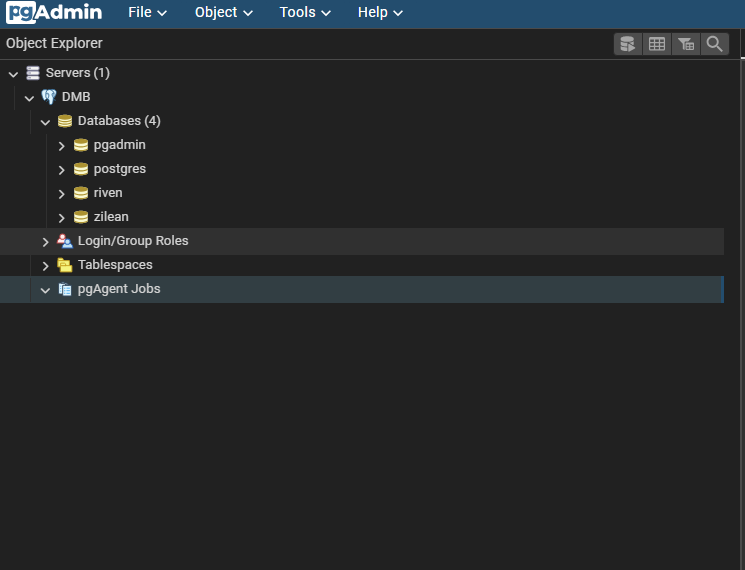
A job scheduler for PostgreSQL. Useful for:
- Scheduling backups
- Routine maintenance
See the complete scheduled-backup example.
More Info#
Summary#
| Setting | Value |
|---|---|
| UI Address | http://<host>:5050 |
| Default Email/Username | DUMB@DUMB.DUMB |
| Default Password | postgres |
| Data Directory | /pgadmin/data |
| Config File | /pgadmin/data/config_local.py |